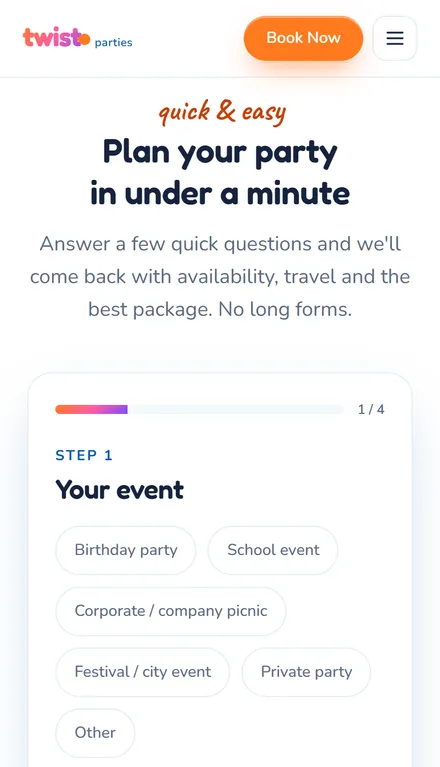
Asks what matters first.
What they need, how big it is and where, before their name.
A form people finish beats a form that asks everything. I build quote, booking and intake forms around the few questions you really need.
 I look forward to working with you.
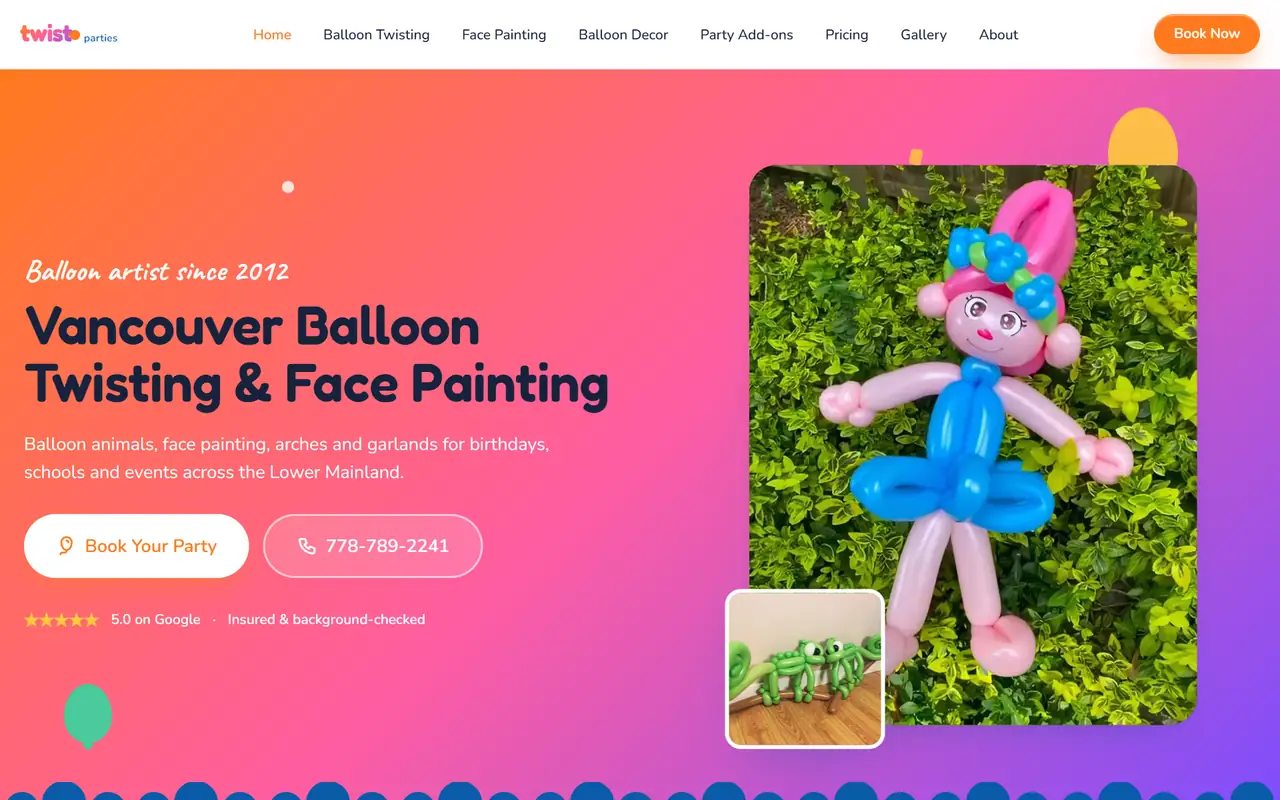
What they need, how big it is and where, before their name.
Buttons and rough answers instead of long text boxes.
A picture from their phone answers questions you didn’t know to ask.
Your inbox, your spreadsheet or your calendar.
Twist Parties · Vancouver
The event, when and who, what they’d love, and where to reply. Each step gives the team something they need to answer.
See the siteWe cut the rest.
It sends where you work, and replies so they know it arrived.
On your phone, before a single customer sees it.
A simple form is a small job. These four things make it bigger.
Questions that change with each answer take longer to build than one straight list.
A form that adds up options is really a quote builder.
An email is simple. A spreadsheet, a calendar or your records each add a connection.
Uploads and signing need safe storage and a way to get them back out.
The rules I build every form to.
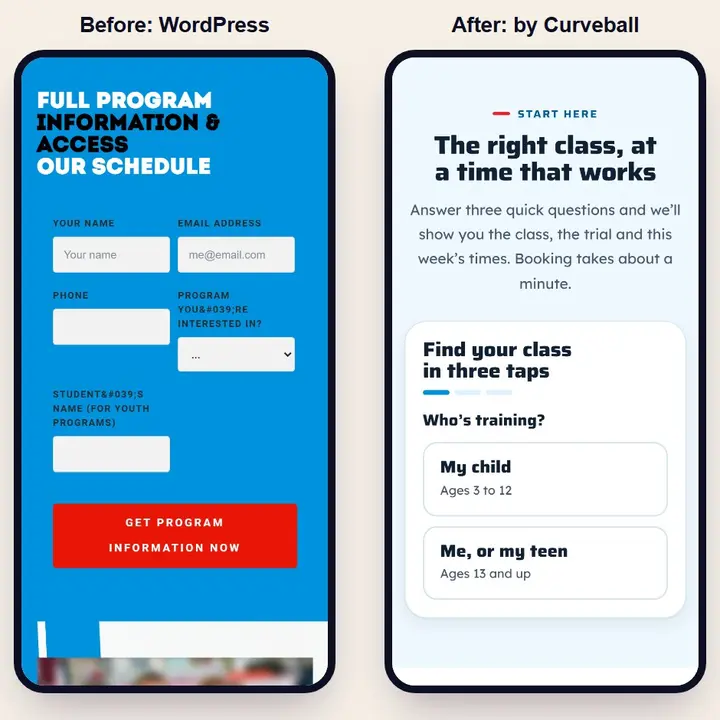
Five things is strong; nine is the most a form should ask. A row of choice buttons counts as one question, because it takes one tap. When I tightened Bee Beauty’s enquiry form, it went from 11 fields to 9, and every one that stayed had to earn its place.
In Baymard’s testing, 89% of people ignored the example showing how to format a phone number. So the field accepts any format, brackets, dashes or none, and opens the number keypad on a phone instead of the full keyboard.
A form that waits until someone presses send to say what’s wrong makes them hunt for it. Saying it right beside the field, as they go, cut errors by 22% in one study. The message says how to fix it, not just that something’s wrong.
Picture puzzles stop bots by annoying people first. I use an invisible check instead, the same one that guards my own free Site Check, so real people never see a challenge at all.
After someone presses send, the page tells them who will reply and by when, with your phone number for anything urgent. A bare “Thanks!” leaves people wondering whether it worked, and some of them send it twice.
BC’s privacy law covers every business, however small. A one-line note by the form saying why you ask, with a link to your privacy page, keeps you on the right side of it and makes people more willing to share.
As few as you can. Nielsen Norman Group found that every question you remove raises the share of people who finish.
For a simple contact form, a free builder is fine. A custom form earns its place when it changes with each answer, takes photos or works out a price.
Yes, that’s a quote builder: the form adds up the options as people pick.
Yes. I add protection that blocks bots without making real people solve puzzles.
Wherever you work: your inbox, a spreadsheet, your calendar or your customer records. The person who filled it in gets a copy too.
Yes. A photo from their phone often explains the job better than a paragraph, and it arrives with the rest of their answers.
A quote form can ask a lot before giving someone a reason to go on. The five questions that get you what you need, and what the research says about the rest.
Your free Site Check: 120 checks, in your inbox in minutes.
or
I look forward to talking with you.