
Pick a time.
Real availability, so nobody books a slot you can’t do.
Customers pick, see the price and book. You stop chasing emails.
 I look forward to working with you.
Real availability, so nobody books a slot you can’t do.
Packages and extras total up while they choose.
Take one when they book, if you want to.
Bookings go straight to your calendar and inbox.
Dates, prices, what’s included. A booking page answers them before anyone writes.
Characters, add-ons, travel and deposits rarely do.
The booking comes in while you’re closed, with everything you need to say yes.
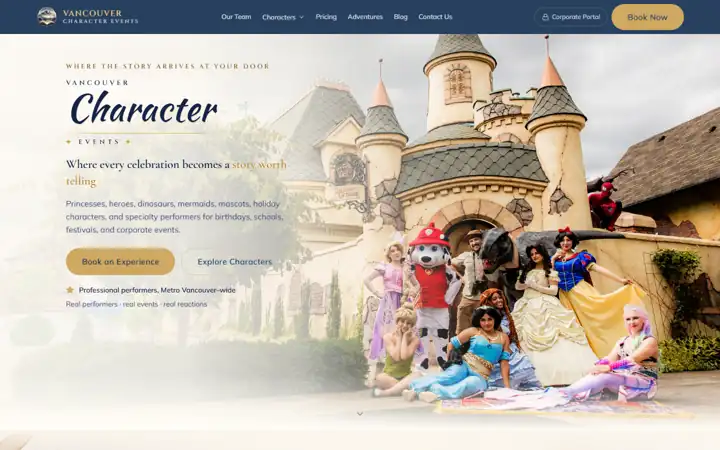
Vancouver Character Events
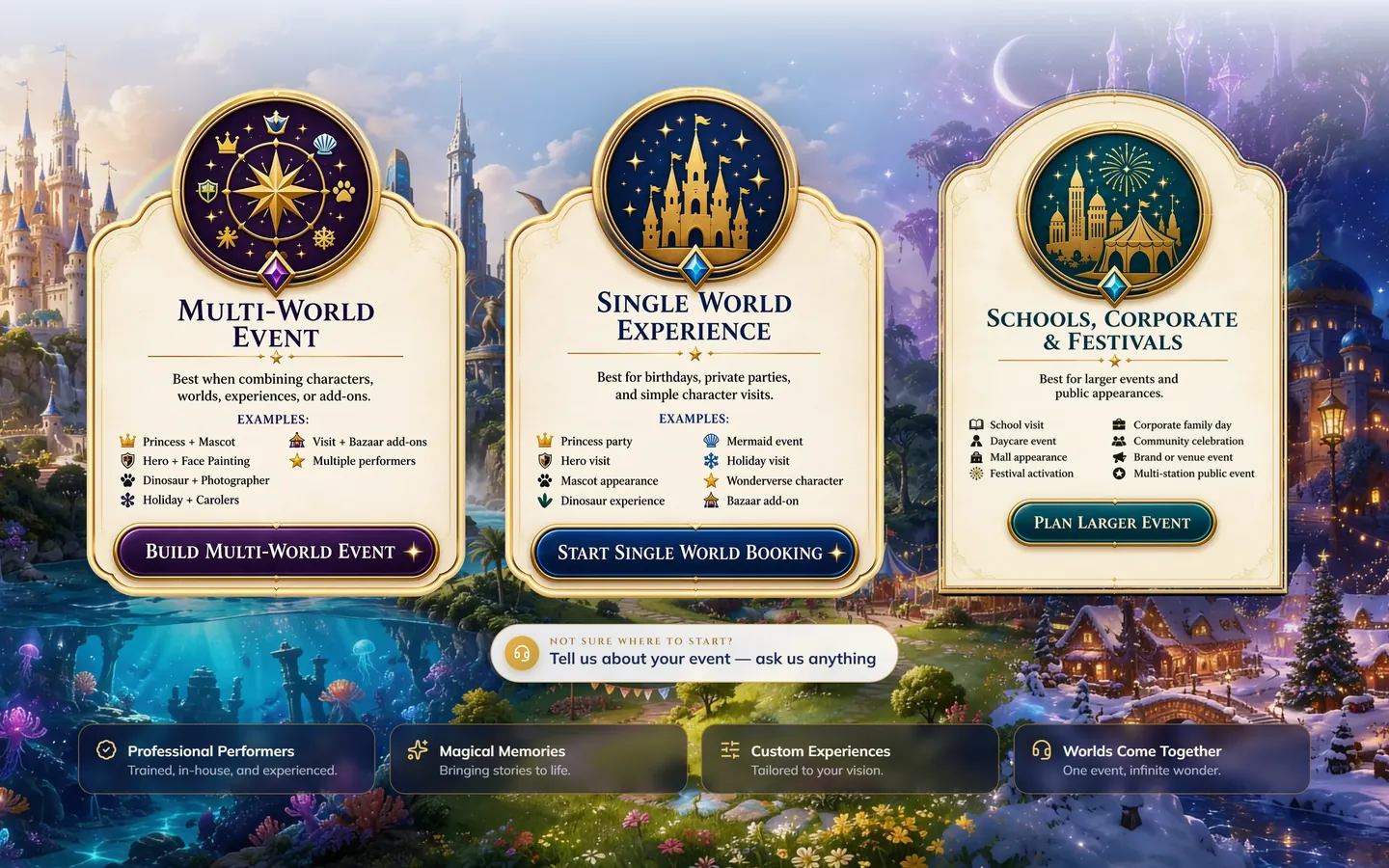
Families pick a world, choose the characters, check the date and watch the total as they go, then send it all at once.
The calls, the emails, the back and forth.
Your services, your rules and the price, agreed before any paid work.
You make test bookings on your own phone at every stage.
You get the booking, with everything you need to know.
Quoted in writing first. Four things decide most of it.
One service at fixed times is simple. Packages, add-ons, travel areas and several staff calendars each add rules.
Reading your Google or Outlook calendar, or a calendar built just for bookings, changes how availability works.
A deposit at booking needs a payment provider, receipts and a way to refund.
Confirmations, reminders before the day and a thank-you after are each small automations.
The details that decide whether people finish booking.
On your website, the booking button sits at the top of every page and within thumb’s reach on a phone. On Google, your profile can show a Book button too. Google’s own built-in booking isn’t listed as available in Canada, so that button opens your own booking page instead, which means it has to work beautifully on a phone.
When BC stopped turning its clocks back this November, every booking system serving BC had to keep up. My own booking page shows BC time to everyone, whatever time zone their phone is set to, so nobody turns up an hour early or late. It’s the kind of detail that only matters the day it goes wrong.
Real availability comes from your actual calendar, so a time disappears the moment it’s taken, wherever it was booked. Gaps between appointments, travel time for mobile businesses and days you’re away are built in as rules, not left to memory.
Taking a deposit at booking turns “maybe” into a commitment. The payment step runs through a provider people recognise, with a trust mark they know beside the card details, and your cancellation terms written right where they pay, not hidden in small print.
After booking, people want to know what happens next. The confirmation says when, where and what to bring, with your phone number, and the email lets them add it to their own calendar. It’s the pattern the UK government’s design team recommends, and it stops the “just checking it went through” calls.
Plenty of businesses are well served by a booking app. Most of the physio and massage clinics I checked around Vancouver use Jane App, and plenty of salons use Booksy. If one fits, I point your website’s buttons at it and spend your money elsewhere. A custom booking earns its place when your packages, prices or rules don’t fit anyone’s boxes.
If an app fits how you work, use it, and I’ll tell you so. A custom booking earns its place when the app can’t show your packages, your prices or your rules the way your customers need.
Yes. Customers can pay a deposit when they book, and the rest is up to you.
It depends on how many services and rules it has. The timeline comes in writing before any work starts.
It depends on what it has to do. The quote comes in writing first, and bigger builds can be paid in instalments over up to a year.
Yes, the Book a free call button on this site. Pick a day and a time, and it lands in my calendar with a video link.
Your Google profile can show a Book button that opens your own booking page. Google’s in-Google booking isn’t listed for Canada, so your page does the work.
The one that fits how you work. Clinics often do well with Jane App and salons with Booksy. When your packages, prices or rules don’t fit any of them, a custom one does.
Yes. Several booking apps have free plans, and Google Calendar can make simple booking pages. They suit plain appointments. Once you need packages, deposits or your own rules, free tools tend to run out.
Your free Site Check: 120 checks, in your inbox in minutes.
or
I look forward to talking with you.