
Sign in safely.
A secure login for each customer, on any phone or computer.
Customers check their project, files and invoices themselves, any time.
 I look forward to working with you.
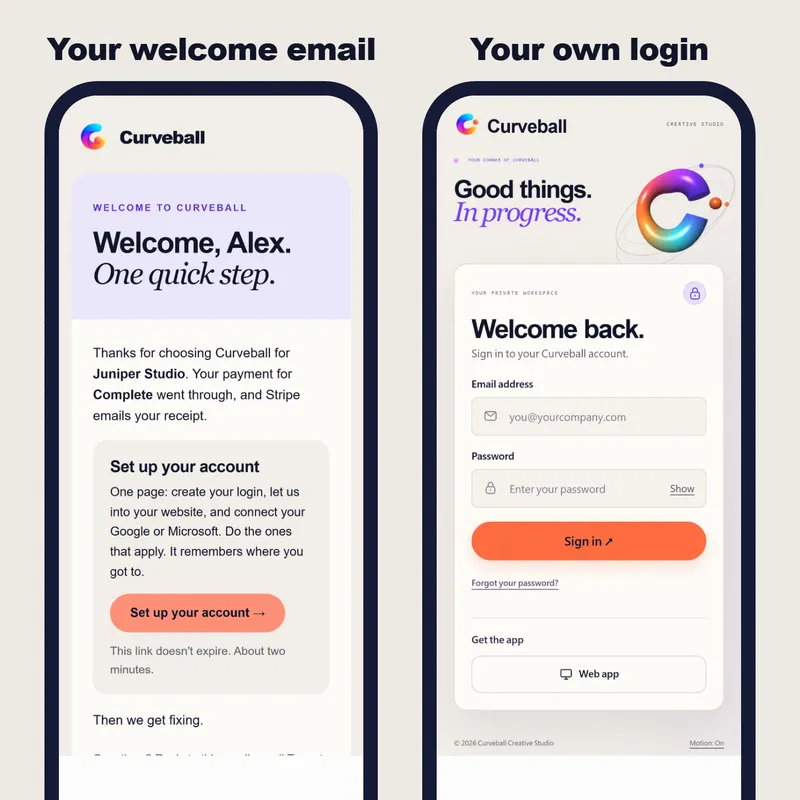
A secure login for each customer, on any phone or computer.
Where their job is up to, without calling you.
Contracts, photos and documents, ready to download.
Questions, answers and invoices, all in one spot.
Customers see where things are up to without asking you.
Contracts, photos and invoices sit in one place, for you and for them.
A login of their own makes a small business feel modern and easy to deal with.
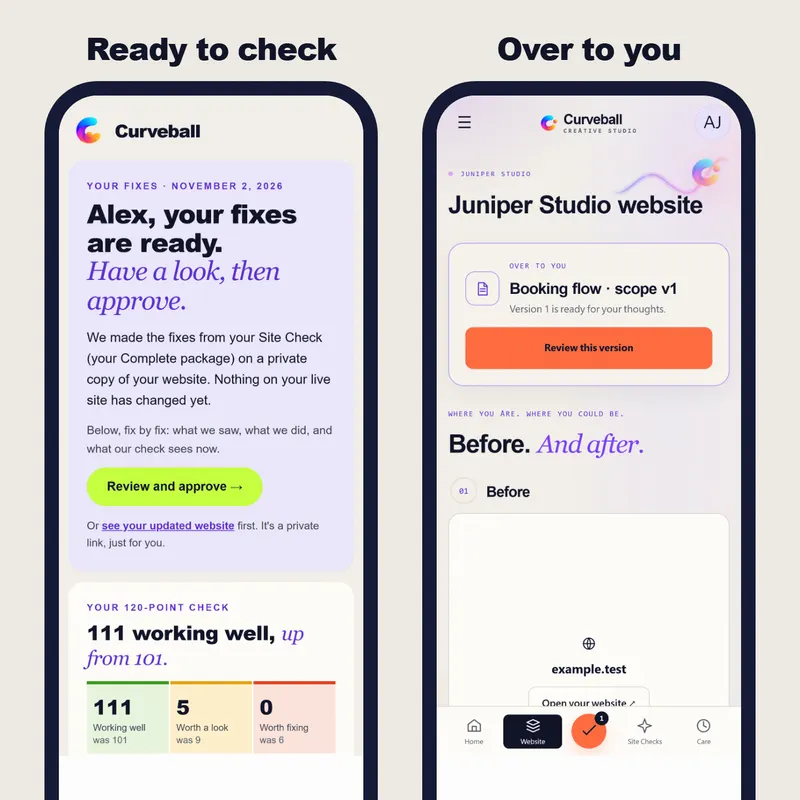
My own client portal
When I finish a change, my client sees it in the portal, checks it and approves it. Nothing goes live until they say so.
That’s what the portal answers for you.
What customers will see, and what it costs, in writing first.
You log in as one before anyone else does.
Each one gets a welcome email and their own login.
Priced on what your customers need to do in it.
A status line is quick. Files, invoices, messages and approvals each add a screen.
Customers only is simpler than customers plus staff, each seeing different things.
Paying invoices in the portal means a payment provider, receipts and records that match.
In your own cloud storage, or stored with the portal, changes the setup.
What I learned building my own.
Nearly every “just checking in” email asks the same thing: where are we up to? So the first screen a customer sees answers it, in plain words, with what happens next and who’s waiting on whom. Files, invoices and messages come after that, one tap away.
My portal keeps each client’s files in their own Google Drive, OneDrive or Dropbox, in a shared folder, rather than on my storage. Uploads go straight there. If we ever part ways, the files never had to move. Yours can work the same way, so your customers’ documents live in your account, not mine.
A login nobody understands just creates a new kind of email. When my clients sign in for the first time, a short tour points to each part of the menu and says what it’s for in a sentence. It answers the questions that would otherwise follow by email.
Under BC’s privacy law, even a one-person business has to protect what it collects. In a portal, that means each customer only ever sees their own things, every login is personal, and you can say clearly what you keep and why. Sign-in and storage use established services built for exactly this, not something homemade.
Anything that needs a yes, like a design, a quote or a change, waits in the portal with a button. The customer looks, taps approve or asks for a change, and both of you have the record of who agreed to what, and when.
Each customer signs in to their own account and sees only their own things. Sign-in and data run on the same proven services big companies use.
No. It runs in their web browser, and they can pin it to their phone’s home screen.
Both have member areas, and for simple cases they work. A custom portal earns its place when customers need to see their own job, files and invoices together.
It depends on what they need to see and do. You see a working version early, with the full timeline agreed first.
It depends on what your customers need to see and do. The price is in writing before anything starts, and it can be paid in instalments.
Start with what customers ask you most: where their job is up to, their files and what they owe. Messages and approvals come next. Anything nobody would use stays out.
Yes. Staff get their own logins and see what their role needs, while each customer still sees only their own account.
Your free Site Check: 120 checks, in your inbox in minutes.
or
I look forward to talking with you.